Business Profile
Your AI agent uses these details to answer customers. They are shared with all your apps.
AI Telegram Agent
Answers your Telegram messages, saves every contact and books appointments, 24/7
Your AI Agent
Answering on TelegramSetup Checklist
4 of 4 done- Train it on your website and business facts
- Connect your Telegram
- Ask it a few questions
- Set your hours, appointment types and calendar
Latest Contacts
| Name | Contact | When |
|---|---|---|
| Dana Ruiz | @danaruiz | Nov 22, 3:31 PM |
| Maria Lopez | maria.l@example.com @maria_lopez | Nov 22, 3:26 PM |
| James Carter | @jcarter | Nov 22, 2:39 PM |
| Priya Shah | @priyashah | Nov 21, 3:36 PM |
Inbox
Every Telegram conversation with your AI agent. Reply to take over a chat yourself.
Contacts
Everyone who has messaged you on Telegram
All Contacts
Export CSV| Name | Phone | Source | When | ||
|---|---|---|---|---|---|
| Dana Ruiz | N/A | @danaruiz | Telegram | Nov 22, 3:31 PM | |
| Maria Lopez | maria.l@example.com | @maria_lopez | Telegram | Nov 22, 3:26 PM | |
| James Carter | N/A | @jcarter | Telegram | Nov 22, 2:39 PM | |
| Priya Shah | N/A | @priyashah | Telegram | Nov 21, 3:36 PM |
Bookings
Appointments your AI agent booked, and when it can book them
Upcoming
Times in America/Denver| When | Type | Customer | Status | |
|---|---|---|---|---|
| Tue, Nov 24 at 10:00 AM | Cleaning | Maria Lopez maria.l@example.com @maria_lopez | confirmed | |
| Thu, Nov 26 at 2:00 PM | Whitening consultation | Dana Ruiz @danaruiz | confirmed |
How Booking Works
Connect Your Calendar
Two-way sync without logins. Paste your calendar's private iCal link and your AI agent will never book over your busy times. Then subscribe to your bookings feed so new appointments show up in your calendar.
Where do I find my iCal link?
- Open Google Calendar on a computer and click the gear, then Settings.
- Under "Settings for my calendars", pick your calendar.
- Scroll to "Integrate calendar" and copy "Secret address in iCal format".
- Open Outlook on the web, then Settings, Calendar, Shared calendars.
- Under "Publish a calendar", choose your calendar and "Can view when I'm busy", then Publish.
- Copy the ICS link.
- In iCloud Calendar, click the share icon next to your calendar.
- Turn on "Public Calendar" and copy the link.
Knowledge
Everything your AI agent knows about your business
Learn From Your Website
Last trained Nov 22, 2026Business Facts
2 savedAdd anything that isn't on your website, or that it gets wrong: hours, prices, policies, parking, specials. Facts always win over website text.
Personality
Telegram
Where your customers message you, and how your AI agent answers
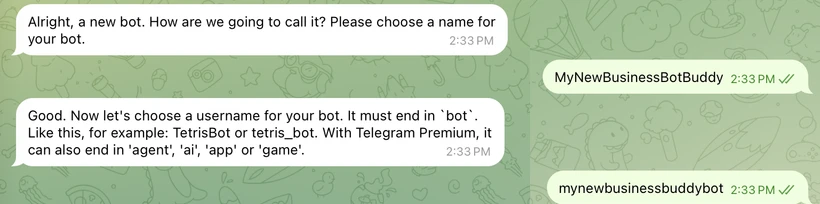
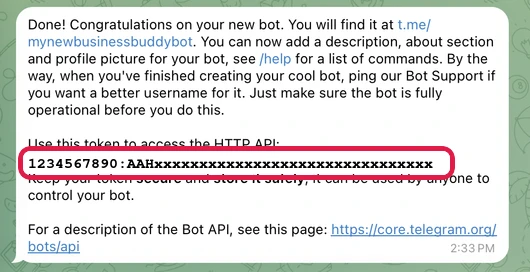
Your Telegram
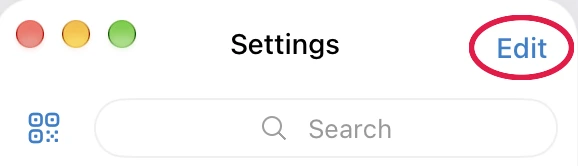
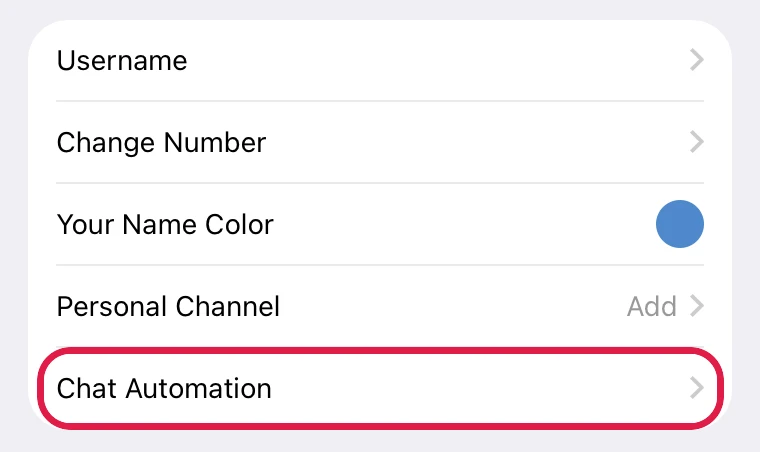
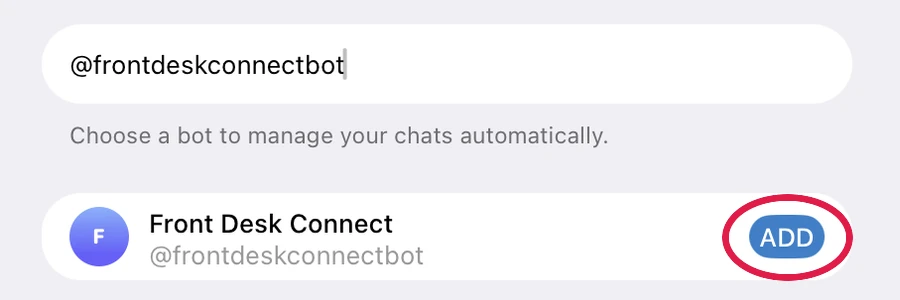
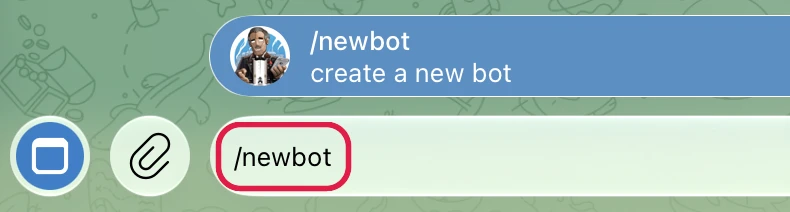
Good to Know
Which one should I choose?
- Your own account if customers already message you on Telegram. Nothing changes for them, and the AI answers as you.
- A bot if you want a separate line for your business. You share the bot's link and customers message the bot.
When does the AI stop and let me answer?
Are there limits on replying?
Does Telegram charge for messages?
Alerts & Integrations
Get notified, and send leads and bookings to the tools you already use
Alerts
Webhook (Zapier, Make, CRM)
We send every new contact, booking and cancellation and handoff request to this URL as JSON, so you can push it into HubSpot, GoHighLevel, Salesforce, Google Sheets, Slack or anything else.
Connect with Zapier or Make
- Create a Zap with the trigger "Webhooks by Zapier", event "Catch Hook".
- Copy the webhook URL Zapier gives you, paste it above and Save.
- Click "Send test event", then "Test trigger" in Zapier.
- Add your action: create a HubSpot contact, add a Google Sheets row, post to Slack, and so on.
Example payload
Test Your AI Agent
Ask what your customers ask and check the answers. This works before you connect Telegram too.
Test chats show in your Inbox. Test bookings are real: cancel them in Bookings.
Plan
Your plan and usage
AI Agent + Booking
Active- Everything in AI Agent
- Books appointments right in the Telegram chat
- Checks your Google, Outlook or Apple calendar for busy times
- Confirmation and reminder emails when the customer shares an email
- Alerts you the moment a booking comes in